Capture
Use the browser extension to collect a useful prompt and its visual context.
Visual-first archive · No account required
See the result first. Find a look you want, then copy the exact image prompt behind it.
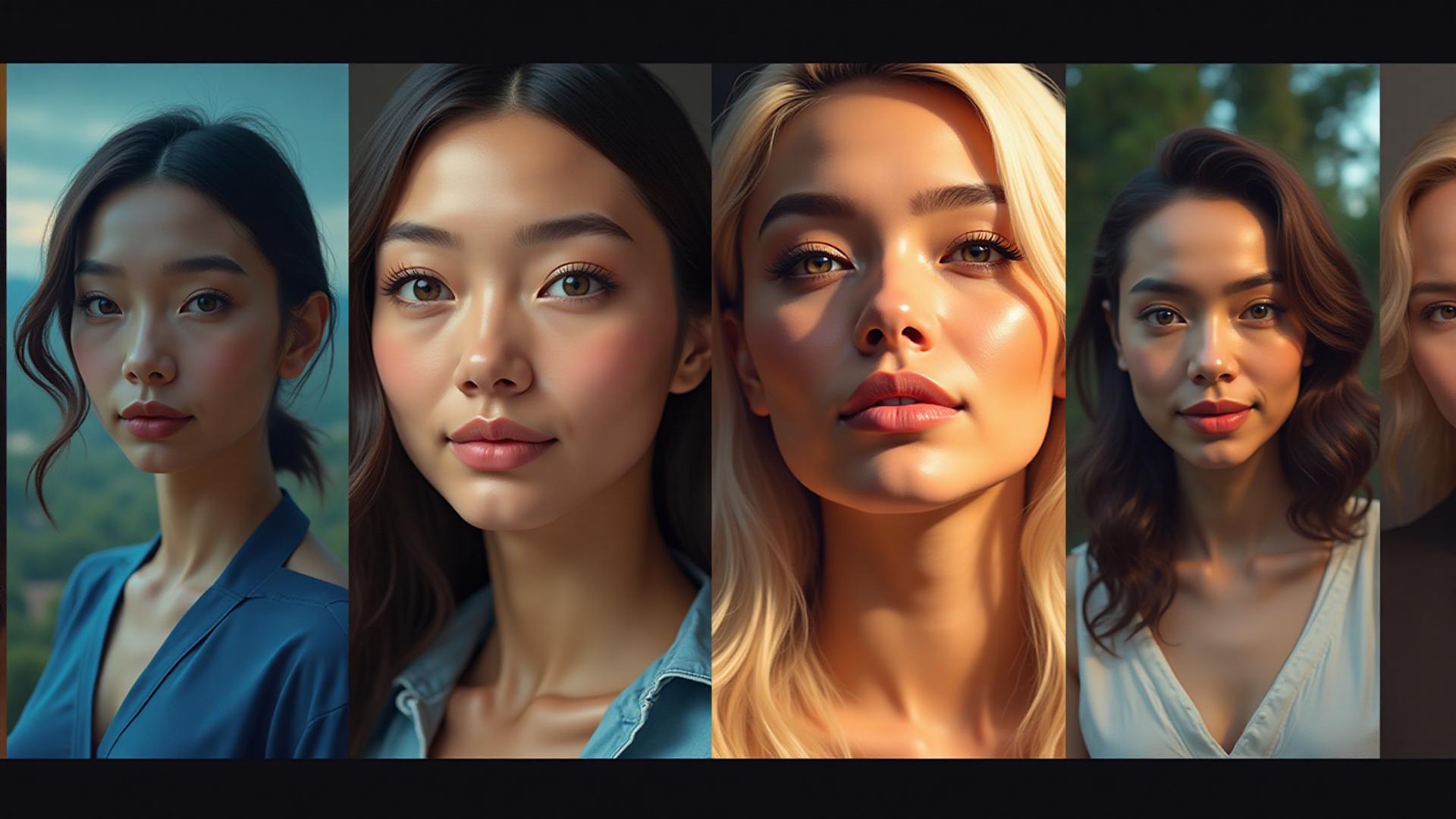
Live index desk
Existing prompts remain fully searchable
Image and motion tools in one index
Sorted from real library tags
Model departures
Choose a familiar tool, then compare how different resources handle the same creative task.
Map legend
PromptVaults now organizes more than final prompts. Find the instruction, technique, model setup, or complete route that moves your project forward.
Stills, illustrations, products, and characters
Follow route 02Shots, motion, storyboards, and sequences
Follow route 03Practical lessons and techniques
Follow route 04Settings, stacks, and model-specific methods
Follow route 05Repeatable paths from brief to output
Follow routeFeatured itinerary · 04 stops
Save from the web, organize by resource type, adapt for your model, and return the useful result to the community.
Open Chrome extensionUse the browser extension to collect a useful prompt and its visual context.
Mark it as image, video, skill, recipe, or workflow so it lands on the right route.
Replace the variables, model assumptions, and constraints for the work in front of you.
Share the version that worked, including enough context for another creator to learn.
Field guide · Using the atlas
An AI prompt vault is a working library of instructions, techniques, model settings, and repeatable creative paths. Instead of starting from an empty box, you can begin with a tested structure for an image, a video shot, a practical skill, a model recipe, or an end-to-end workflow. PromptVaults organizes those building blocks so you can move from an idea to a useful first result faster while keeping creative control.
The original library focused on AI image generation, with examples for portraits, editorial photography, products, landscapes, illustrations, and experimental visual styles. Those existing entries remain intact. The broader atlas now adds routes for video direction, creative skills, model-specific recipes, and complete workflows, while keeping the original prompt text close to its model and category information.
You can browse the resource cabinet by media type, model, tag, subject, visual treatment, or production need. The goal is not to treat a prompt as a fixed magic phrase. A useful vault reveals repeatable patterns: how camera language changes a portrait or a moving shot, how material words affect a product render, and how a sequence of steps turns an isolated result into a dependable workflow.
Different image models interpret instructions in different ways. Gemini and GPT-based image tools often respond well to clear natural-language direction, spatial relationships, and explicit editing requests. Midjourney users may prefer compact visual language and model parameters, while Stable Diffusion workflows can benefit from separate positive and negative prompts. The same concept can work across models, but the best wording and level of detail may change.
Use each library entry as a model-aware starting point. Keep the core subject and creative intent, then adjust the syntax for the tool you are using. If a result feels generic, add concrete details such as age range, wardrobe, location, lens perspective, color palette, time of day, camera movement, or duration. If the output feels crowded, remove competing terms and keep one clear direction. Our AI prompt field notes explain these decisions in more depth.
Strong prompts are specific, but they do not need to be long. Start with the subject and action, then add the setting, composition, lighting, and visual medium in a logical order. Use concrete language such as “soft window light from the left” or “eye-level product photograph on a matte stone surface” instead of stacking vague quality words. When two instructions compete, the model may emphasize the wrong one or blend them unpredictably.
Negative prompts are useful when a model supports them, especially for excluding recurring artifacts, unwanted text, or a visual style that conflicts with the brief. They work best as targeted constraints rather than a long list copied into every generation. Save the version that produced a useful result, including the model name and relevant settings, so your personal prompt library becomes a record of decisions rather than a folder of disconnected text.
Begin with the closest use case. For a realistic portrait, look for prompts that describe expression, pose, wardrobe, lens perspective, lighting direction, and background separation. For an illustration, prioritize medium, line quality, color treatment, and the relationship between the subject and the surrounding scene. For commercial product work, focus on material accuracy, camera angle, surface, reflections, and negative space for layout.
Always review the generated image against your actual brief. A polished output can still be wrong if it misses the intended audience, product detail, or visual hierarchy. Treat the AI prompt vault as a reference and learning tool: borrow the useful structure, make the creative choices yourself, and check the final result for accuracy, rights, and appropriate use before publishing it.
Next departure
Explore the collection, compare structures and workflows, and save the versions that work for your model and creative process.
Browse the Creative AtlasField questions
Practical answers about finding, adapting, evaluating, and organizing AI creative resources.